
WorkTool
A Windows workspace I'm building on my own. WorkTool holds folders, desktop apps and websites in one window with tabs, split views, floating notes and a command palette
- Windows desktop application
- Creator and founder, developed independently
- In development
- Alpha. Latest internal build 0.2.0, 2 November 2026. Not publicly available yet
Overview
Most work on a Windows PC isn't done in one program. It is spread across File Explorer, browser tabs, desktop applications and notes, and the arrangement disappears with every restart
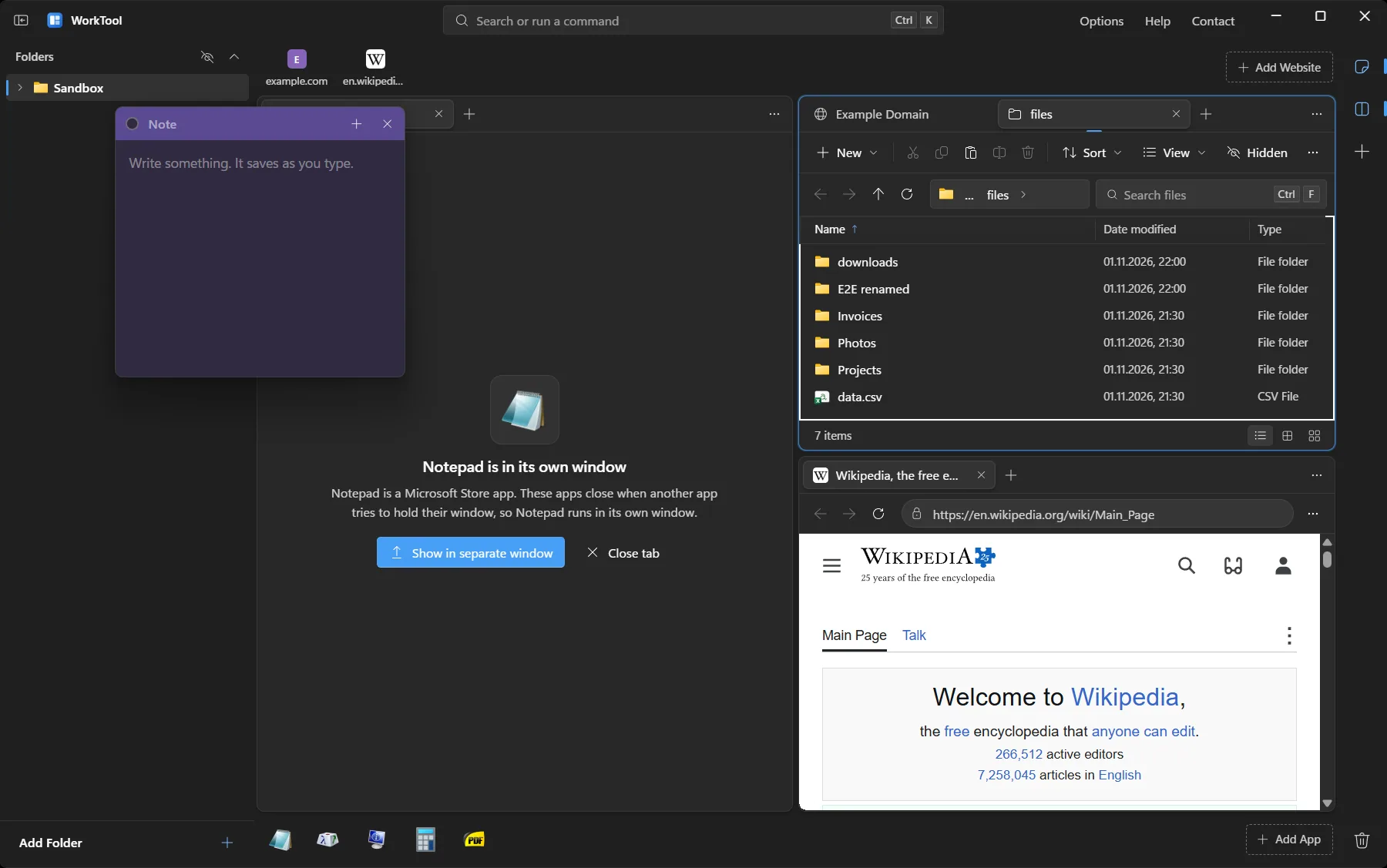
WorkTool gathers those pieces into a single window without moving anything. Folders sit in a sidebar, websites in a strip and apps in a dock, and any of them can open side by side in tabs. It doesn't replace the tools people use. It holds them
Work is scattered across windows
A normal day means switching between Explorer windows, a browser with a dozen tabs, a few desktop programs and somewhere to write things down. Finding the right window takes time, and the layout is gone after a restart
Existing launchers and tab managers usually cover one kind of item. Folders, websites and real desktop applications rarely live together
A workspace that keeps references, not copies
Items are added once to a local library and reopen with their tabs and layout after a restart. Files stay where they are on the PC. WorkTool only stores references
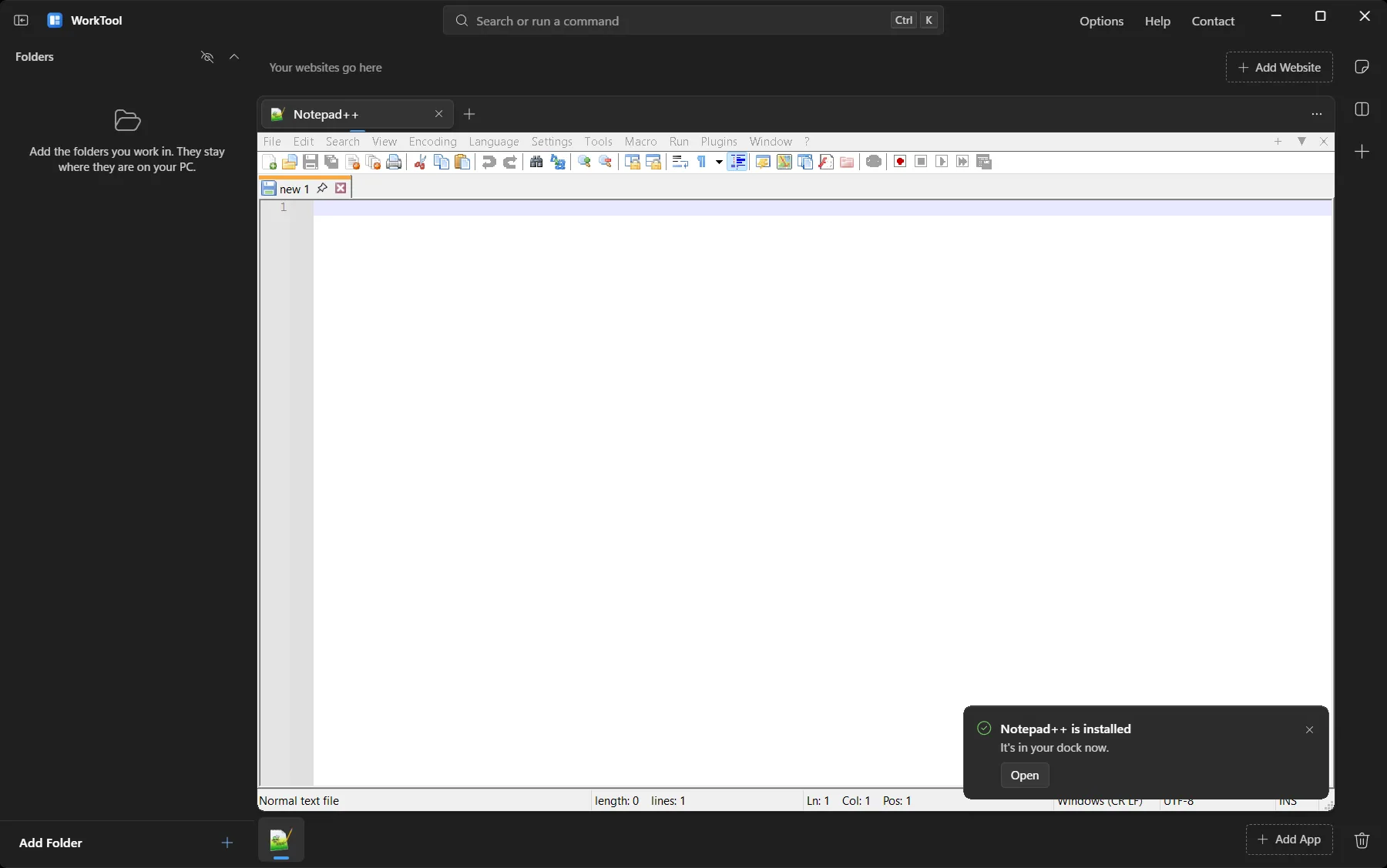
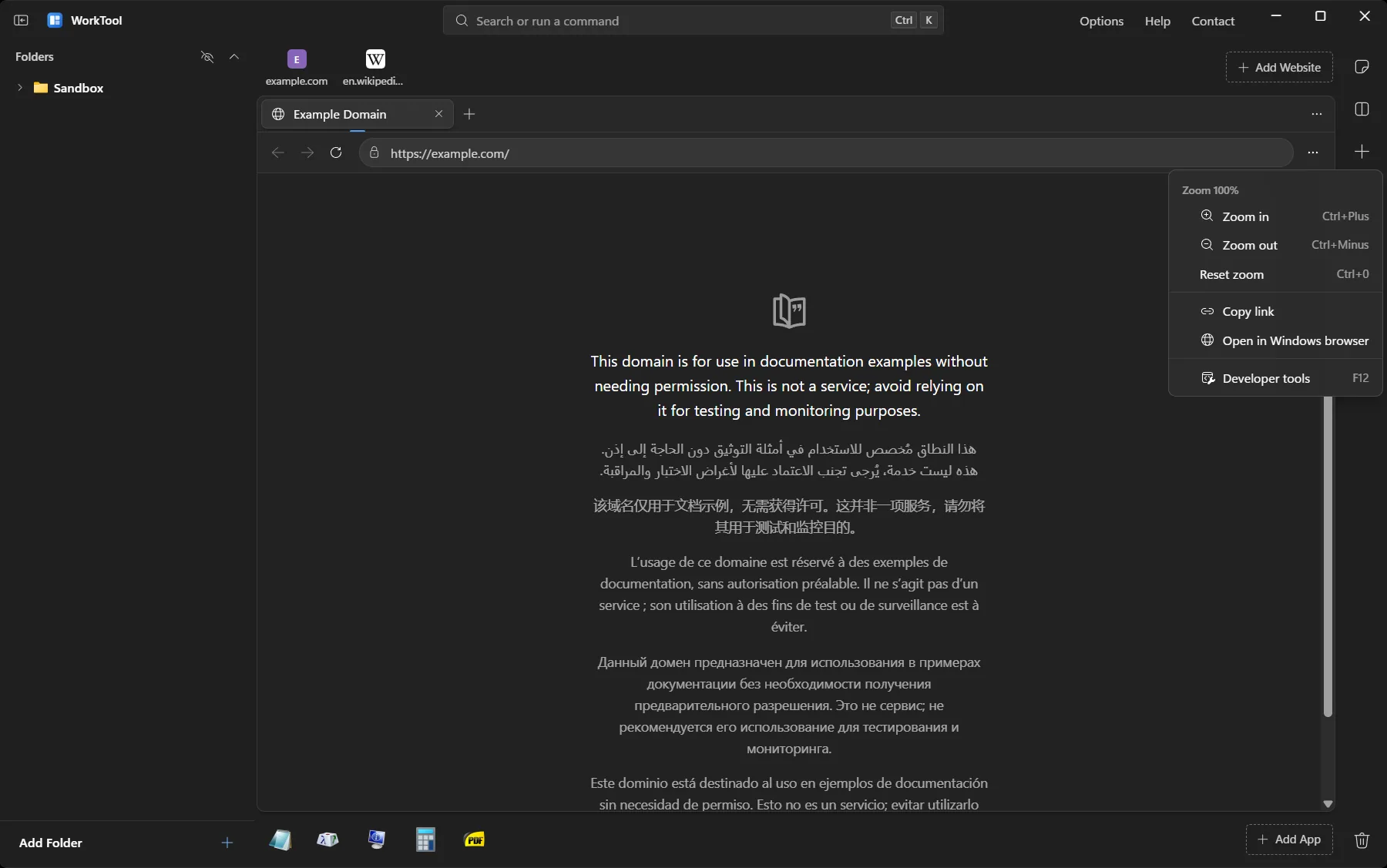
Desktop apps open inside a tab sized to the pane, websites open in their own browser profile, and folders open in an Explorer-style view. Up to four panes can sit side by side
Main features
In WorkTool everything is one search away, so the features are too. Type to filter, use the arrow keys to move
- Tabs and split views
- Desktop apps in tabs
- Websites with their own sign-in
- Folders like File Explorer
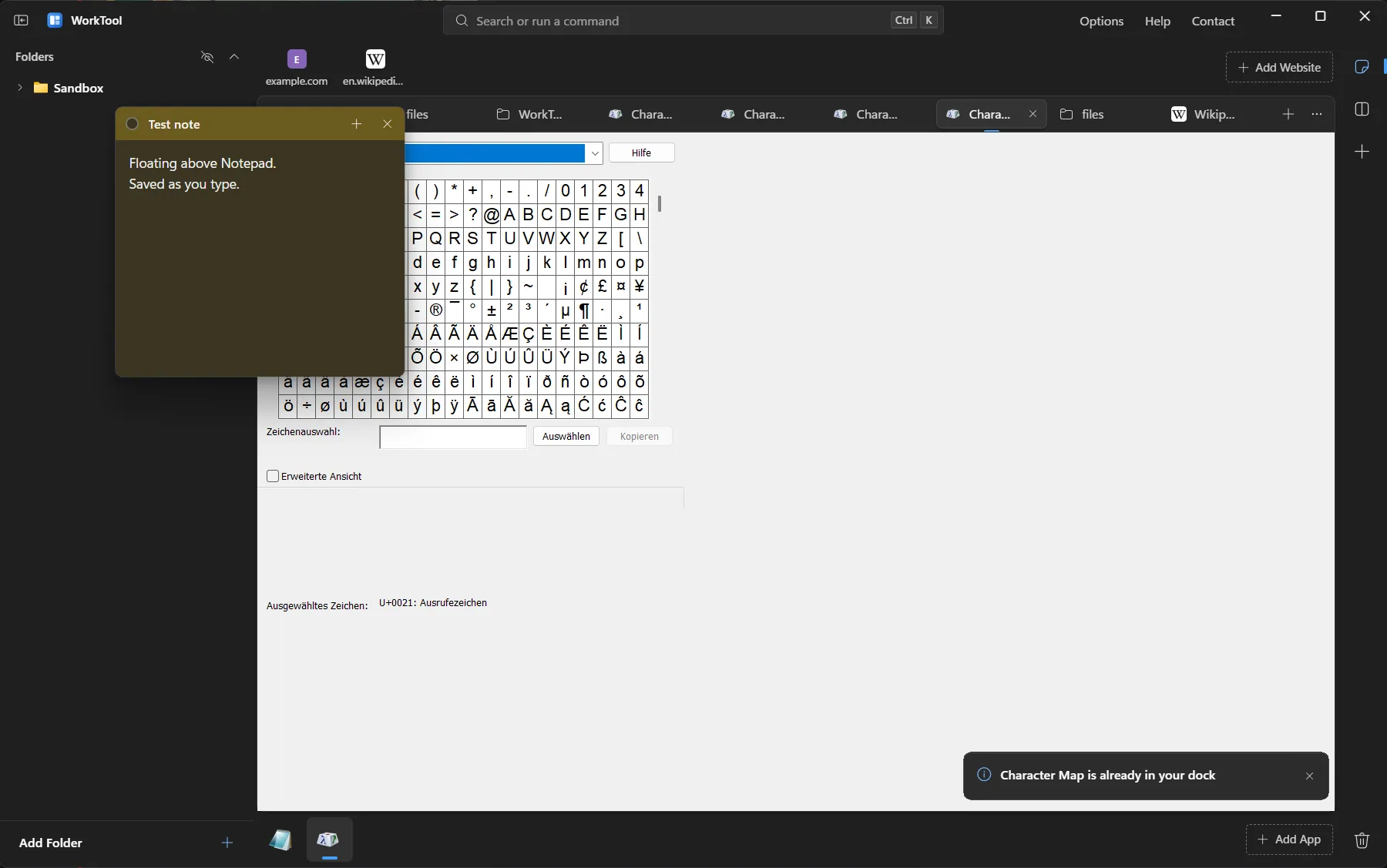
- Floating notes
- Command palette
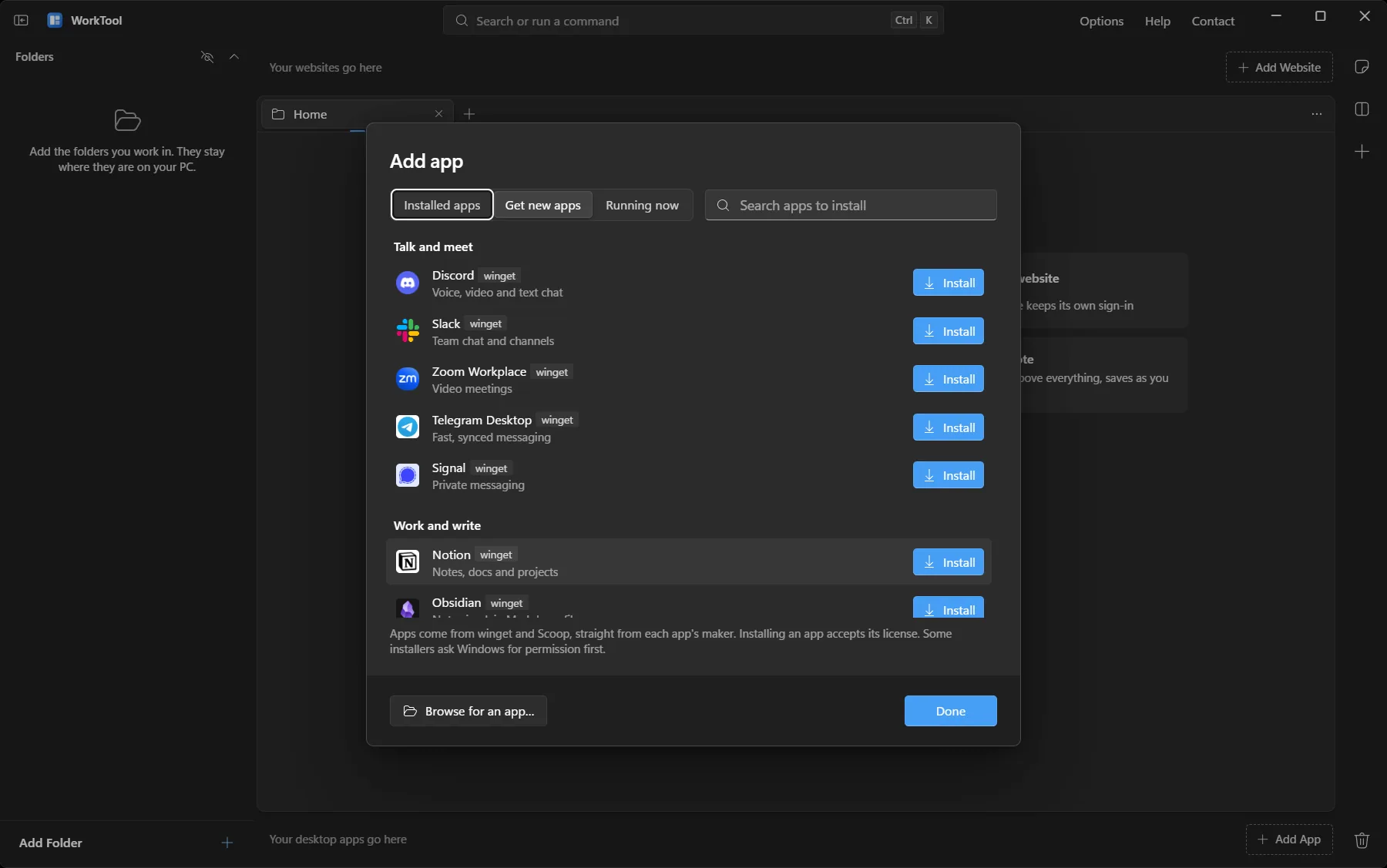
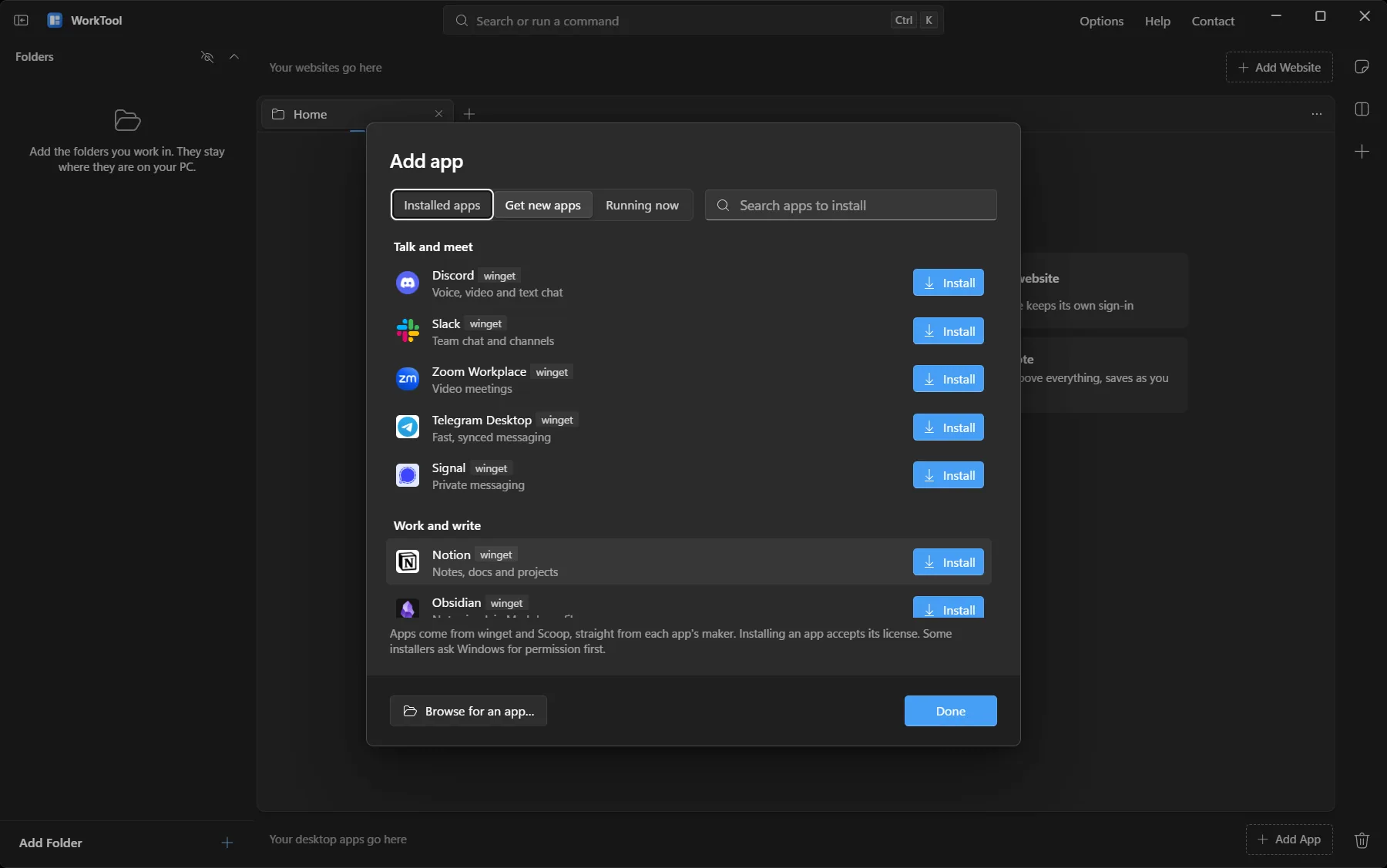
- Get new apps
- Local, with no account
Tabs and split views
One, two, stacked or four-pane layouts with resizable dividers and drag-to-move tabs, saved with the workspace
8 features shown
Engineering considerations
Tauri 2 with a Rust core
The interface is React and TypeScript rendered in Microsoft Edge WebView2. The parts that talk to Windows are Rust, using native features for window embedding, the clipboard, the Recycle Bin and file handling
Hosting other applications
Classic desktop apps were invisible inside the transparent window until app hosts were layered. Windows returned by WorkTool go back to their original parent, and Microsoft Store apps run in their own window because embedding them is not reliable
Process lifecycle
Closing an app's tab ends the app, including tray-resident apps and their helper processes. Apps that are asking a question are never force-closed
Data that survives mistakes
Library and settings are written with atomic saves and a backup copy. A damaged library is set aside and the backup loads. Removing an item and deleting a file are separate actions
Honest about limits
When Windows blocks something, such as holding a Store app or an administrator app, WorkTool says so in the tab and offers the next best option
- Tauri 2
- Rust
- React
- TypeScript
- WebView2
- Windows APIs
- winget
- Scoop
Design decisions
Feel like Windows
Mica backdrop, Fluent icons, Segoe UI Variable and dark, light or system themes with accent colours, so the workspace sits naturally next to the apps it holds
Keyboard first, mouse friendly
Every item and action is reachable from the command palette, and everything also works with the mouse
Never surprise anyone with data loss
Remove from WorkTool only removes the reference and can be undone. Real deletes go to the Recycle Bin or ask first with full paths
Current status
WorkTool is in alpha and tested on Windows 11. There is no public download yet; downloads open with the first release. The source code is planned to be published as open source
0.2.0
- Get new apps: browse and search winget and Scoop, install with progress and cancel
- Automatic winget check and Scoop setup at startup
- Closing an app's tab now closes the app, including tray apps and their helper processes
0.1.0
- First build with all major parts in place, tested on Windows 11
- Local library with atomic saves and a backup
- Folder tabs, website strip, app dock, multi-view layouts, notes and command palette